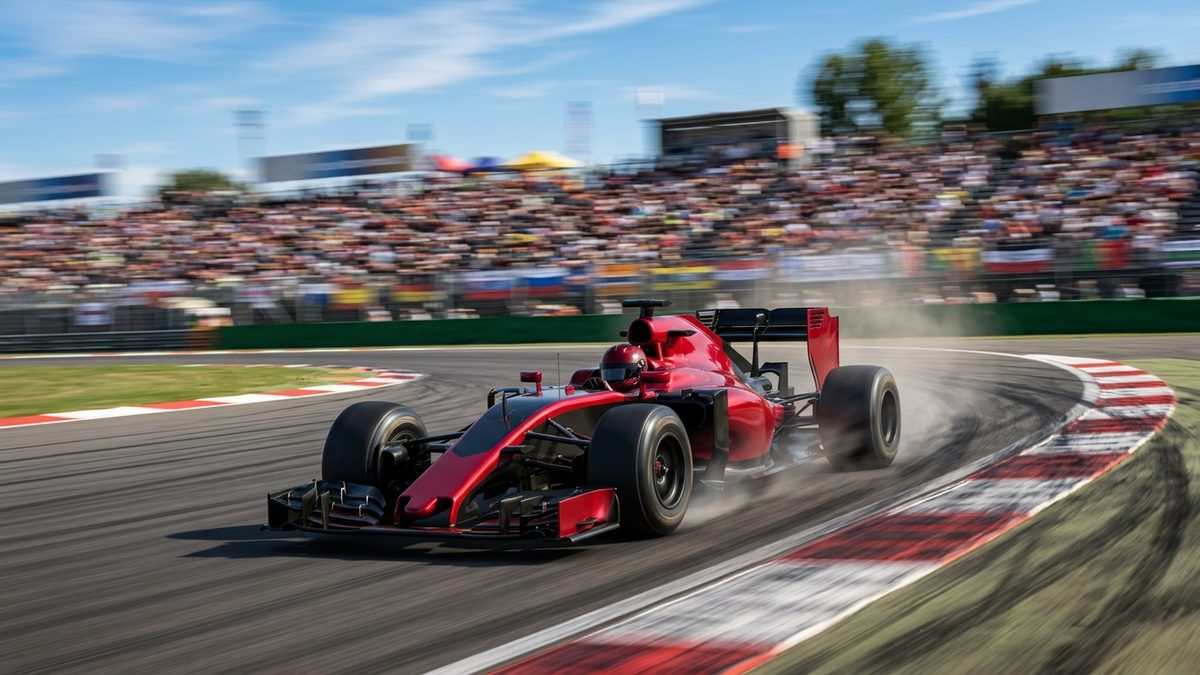
How to Watch Formula 1 on IPTV: Full Season Coverage Explained
If you've tried to watch Formula 1 on IPTV and gotten lost in a maze of regional broadcast rights, you're not alone. F1's 24-race calendar spans five continents and a dozen different broadcast deals, and figuring out which channel carries Sunday's race in your country can take longer than the race itself.
The modern F1 season runs from early March in Australia through the season finale in Abu Dhabi in December, with sprint weekends, triple-headers, and practice sessions scattered across nearly every time zone on the planet. Watching Formula 1 on IPTV means pulling that scattered calendar into one program guide instead of juggling a different app for every region's broadcaster.
Why F1 Broadcasting Is Such a Puzzle
Formula 1 sells its broadcast rights market by market, and no single service holds them everywhere. Sky Sports carries the full season in the UK, ESPN has US rights, and dozens of other broadcasters hold exclusive deals across Europe, Asia, and Latin America. F1 TV Pro, the league's own streaming product, fills some of those gaps but is blacked out in markets where a local broadcaster already owns exclusive rights, including the UK and a handful of others.
That patchwork is exactly why so many fans start looking at IPTV for F1 coverage. Instead of tracking down which app has rights in your specific country this season, a sports-focused IPTV package bundles international feeds into a single guide. You're not stuck paying for F1 TV Pro only to find out it's blacked out where you actually live.
What Channels Actually Carry F1
Here's the honest caveat: exactly which channels carry F1, and which packages include them, shifts by season and by region, since broadcast deals get renegotiated every few years. Always check the provider's current channel list before assuming a specific network still holds the rights you're after.
What generally holds true: a well-built sports IPTV package includes a mix of the major networks that typically carry F1 in various regions, alongside international feeds that can fill gaps left by regional blackouts. That's a real advantage for F1 fans specifically, since so many viewers run into a broadcaster that holds rights in a neighboring country but not their own.
It helps to understand why this fragmentation happens in the first place. F1's commercial rights holder negotiates separately with broadcasters in each territory, and those deals run on different renewal cycles, some multi-year, some single-season. A broadcaster that carried the full calendar last year might lose exclusivity this year, or split coverage with a streaming partner. That constant churn is part of why relying on one single app, official or otherwise, tends to leave fans exposed whenever a deal changes hands mid-cycle.
| Method | Cost | Channels | Verdict |
|---|---|---|---|
| F1 TV Pro | ~$80-90/season | Every session, but blacked out where a local broadcaster owns rights | Great multi-angle coverage, unreliable depending on your country |
| Cable/satellite sports package | $60-150/mo | Regional broadcaster only, if included in your tier | Solid picture quality but locked to one broadcaster's schedule |
| IPTV service | Varies by provider | Bundled international feeds, check current list | One guide that can sidestep some regional blackout gaps |
| Free streams | $0 | Unreliable, often taken down mid-session | Frequent buffering, missed qualifying laps, dead links on race day |
Setting Up Your Device for a Full F1 Season
A 24-race calendar with practice sessions, qualifying, and sprint races on top of the main event adds up to a lot of live sessions across a nine-month season. A few setup choices make a real difference over that stretch:
- Pick an app built for a busy schedule. TiviMate, IPTV Smarters, and GSE Smart IPTV are the three most commonly recommended for Fire Stick and Android boxes. With triple-header weekends stacking three race weekends in three weeks, a program guide that loads fast matters more than it sounds.
- Wire your connection for early sessions. Races in Australia, Japan, and Singapore often air in the early morning hours for European and North American viewers. A dropped Wi-Fi connection at 5am is a rough way to miss the start.
- Set reminders for sprint weekends. Sprint races compress the on-track action into a shorter window than a standard race weekend, and the schedule shifts compared to a normal Sunday. Double-check session times each sprint weekend rather than assuming the usual timing.
- Check your buffer settings before qualifying. Qualifying is often the tensest hour of an F1 weekend, and a laggy stream during the final runs is its own kind of heartbreak. Most IPTV apps let you adjust buffer length in settings.
If buffering has been a problem for you during other sports, the same troubleshooting applies here. Our guide on why IPTV buffers during live sports and how to fix it walks through the diagnostic steps in order, and every one of them is just as relevant during a chaotic wet-weather qualifying session as during any other live sport.
What to Expect on Race Weekends
Server demand spikes hardest during the closing laps of a title-deciding race or a chaotic wet Sunday, and that's the most common cause of buffering when it matters most. Joining your stream ten or fifteen minutes before lights out, rather than right at the formation lap, tends to avoid the worst of the login rush.
Time zones are a genuine factor for F1 fans in a way they aren't for domestic leagues. A calendar that swings from Australia to Bahrain to Miami to Singapore within a few months means some race weekends land at a convenient afternoon slot and others land well before sunrise. IPTV doesn't change the start time, but having every session centralized in one guide at least means you're not hunting across five different apps at 4am to find the right feed.
Practice sessions and support races, Formula 2 and Formula 3 undercards among them, tend to stream more smoothly than the main event since fewer viewers are watching at once. That's often a good time to test your setup before qualifying and the race draw the bigger crowds.
Rain delays and red flags deserve a mention too. A stoppage can push the broadcast window later than planned, sometimes by an hour or more, and your IPTV setup should be treated as flexible on those days rather than assuming the race wraps up on the original schedule.
Catching Up on Sessions You Miss
Not every fan can stay awake for a 4am start, and that's fine. A lot of IPTV apps support catch-up or restart functions for recently aired programming, letting you rewind to the start of a session that's already underway or replay a race a few hours after the checkered flag. Availability of this feature depends heavily on your specific provider and package, so check whether catch-up or restart TV is included before assuming you can watch a delayed race whenever you wake up.
If catch-up isn't an option through your setup, a DVR-capable box or a separate recording app running alongside your IPTV app is the fallback most fans land on. Setting a recurring recording block around known session times, adjusted each week for the local start time, avoids having to remember to hit record at 3am before an early Sunday race.
Highlights packages are worth mentioning too, since they're a reasonable middle ground for fans who can't commit to full sessions every single weekend. They won't replace watching live for the fans who care about every strategy call and pit stop, but they're a legitimate way to stay current on a packed calendar without burning out halfway through the season.
Comparing F1-Specific Viewing Options
If F1 is the only sport you watch all year, F1 TV Pro might be worth it, blackout restrictions in your country aside. But most motorsport fans also follow other series and other sports throughout the year, and that's where a broader IPTV package built around the best sports IPTV options starts making more sense than paying for a single-series subscription plus separate apps for everything else.
Fans who've dealt with F1's regional blackout puzzle will recognize a similar access problem in our breakdown of watching Champions League football on IPTV, where broadcast rights are split market by market in a nearly identical way. The workaround logic carries over almost exactly.
FAQ
Can I watch every F1 race through one IPTV service?
Most sports-focused IPTV packages bundle international feeds that carry a wide range of F1 sessions, but exact lineups shift by season and region. Check the provider's current channel list before assuming full-season coverage.
Does IPTV get around F1 TV Pro's blackout restrictions?
It can help in some cases, since international feeds bundled into an IPTV package sometimes carry sessions that F1 TV Pro's regional blackout rules would otherwise block. This varies by provider and market, so check the current channel list rather than assuming blackout-free access.
Do I need a VPN to watch F1 on IPTV?
It depends on your provider and location. Some feeds are geo-restricted and a VPN can help with access consistency, but it isn't a universal requirement. Check your specific service's recommendations rather than assuming you need one.
Why does the stream buffer more during the closing laps?
Simultaneous demand. The final laps of a close race draw far more concurrent viewers than a mid-race lull, and that added server load is the most common cause of buffering right when the action peaks.
What time do early-morning races usually start?
It varies by circuit and your local time zone, so check the official calendar for your region each race weekend rather than assuming a fixed pattern. Races in Australia and Asia commonly fall in the early morning for European and North American viewers.
Is IPTV cheaper than F1 TV Pro for a full season?
If F1 is the only series you follow and blackout rules don't affect your country, maybe not by much. If you follow multiple motorsport series or other sports year-round, bundling through an IPTV setup is often more practical.
What's the most common mistake fans make watching F1 on IPTV?
Assuming the schedule stays fixed all season. Sprint weekends compress session timing, rain delays push races back, and triple-headers can blur together. Double-check session times each week rather than going off memory from a previous race.
A 24-race calendar spread across five continents needs a setup built for the long haul, not just for the flagship races. Get your app organized, your connection wired for the early mornings, and your channel list confirmed before lights out. The general IPTV FAQ covers setup basics if you're still getting a service running at all.
Want to know which IPTV services carry your sport? See our sports coverage breakdown or check our FAQ for setup tips.